
One finger, 11 flying machines.
Professor Skybeard has a long white beard, a workshop full of ideas and eleven flying machines that are just waiting for their test pilot: you.
- Free to play
- iPhone, iPad & iPhone Duo
- iOS 17 or later
- 12 languages
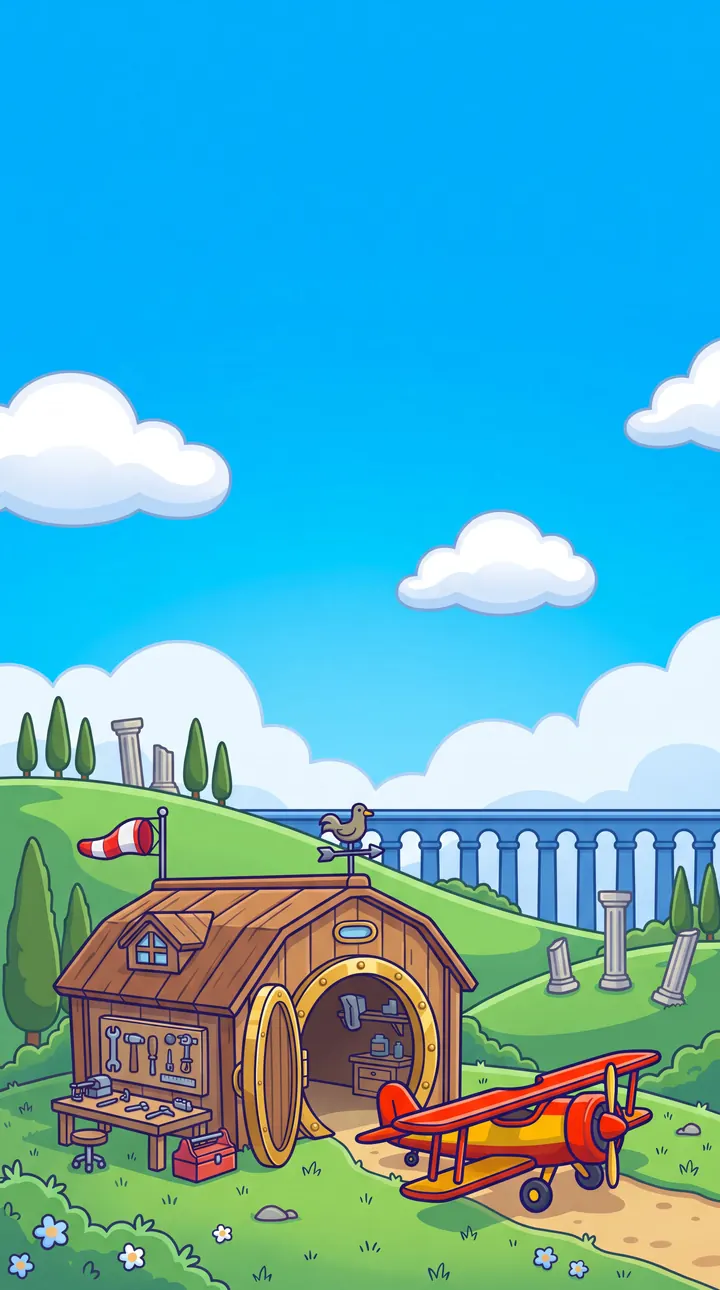
One finger. Every machine different.
Hold, tap, wind up, aim: the Zeppelin climbs at a leisurely pace for as long as you hold, the Ornithopter flaps its wings with every tap, and the Balloon heats up with a delay. You’ve barely mastered one machine before you have to feel your way into the next.
Every machine comes in three versions – Mk I to Mk III. Below each one: what Professor Skybeard wrote in his diary.
-

Zeppelin
HoldHold: climb
Release: sink. Slow to respond.
Hold means climb, release means sink – simple, says my notebook. My beard says otherwise.
-
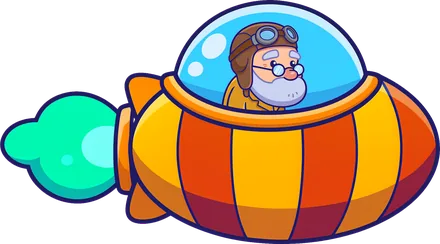
Spaceship
HoldHold: thrust upward
Not too long – the engine overheats.
It has just one button. Unfortunately, that button is also what triggers the overheating. Details, details.
-
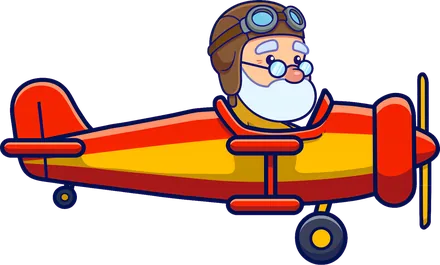
Biplane
HoldHold: nose up
Climbing costs speed. Too slow = crash.
Hold its nose up too long and it runs out of puff. Same as me on the cellar stairs.
-
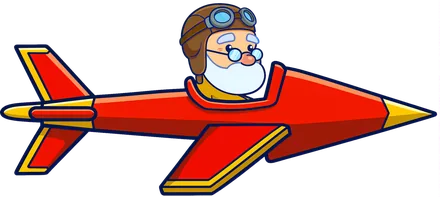
Dart Glider
HoldHold: diagonally up
Release: diagonally down. Instant, no momentum.
The Dart Glider knows no hesitation. Hold, release, done. No gentleness, no mercy.
-

Sailplane
HoldHold: dive
Release: pull up. Only momentum carries you.
Here, holding means SINKING. Who would have thought?
-

Magnet Capsule
AimFinger above the capsule pulls up
Below, it pulls down – the farther away, the stronger.
The finger pulls, the finger pushes. No buttons. Elegant, I think.
-
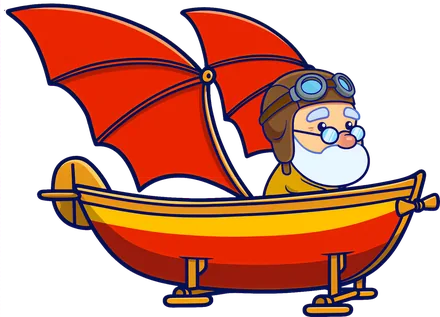
Ornithopter
TapTap: flap wings
In between, it falls – stay in rhythm.
It flaps until it’s out of breath. Just like me on the stairs, only with more feathers.
-
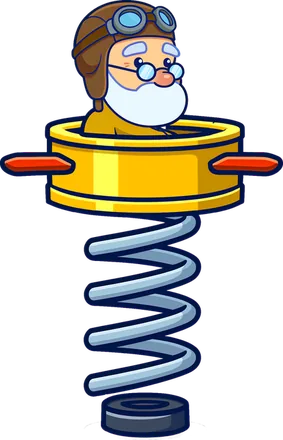
Pogo Spring
Wind upHold: compress spring
Release: jump. Compressed longer = higher.
You do fall farther too, but that’s in the small print.
-

UFO
TapTap: flip gravity
The UFO then falls upward – or back down.
Don’t ask me how. Ask the beard – it noticed first.
-
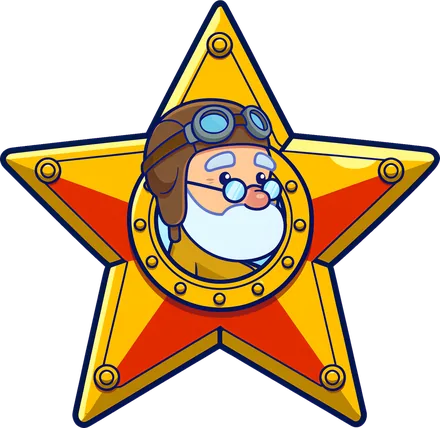
Star
AimTap above: up. Tap below: down.
It keeps gliding – a tap the other way brakes.
At first I thought the thing was broken. It’s just shy.
-
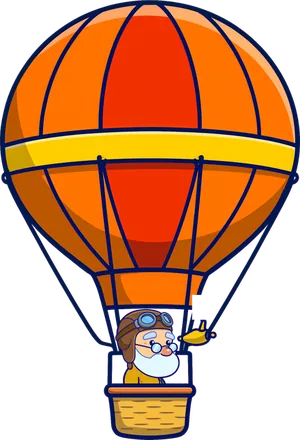
Balloon
TapTap: fire burner
Delayed effect – heat early, stop early!
Like a teapot running late.
Five worlds, 50 levels.
Ten levels per world – from gentle hills all the way into the thunderstorm. Every world has its own tricks.
Hill Country
Where you learn to fly: green hills, old aqueducts and the first tight tunnels.
Coast
Gusts, cliffs and caves.
Desert
Heat fields and sandstorms.
Night Sky
Beacons and shooting stars.
Thunderstorm
Lightning, tailwinds and electric shocks that swap up and down.

Three rounds per level.
Explore first, then prove yourself, then fly without a net.

Explore
With checkpoints. Get to know the course.

Trial
Five stars are waiting to be caught.

Master Flight
No safety net, no checkpoints.

Secret star
Behind the third star, every level hides a secret star – for the brave only.
Relays
In relay levels the machine changes in mid-flight.
Grande Finale
All eleven machines in a row: 99 gates straight through every world.
Take a look.
iPhone screenshots of the German version
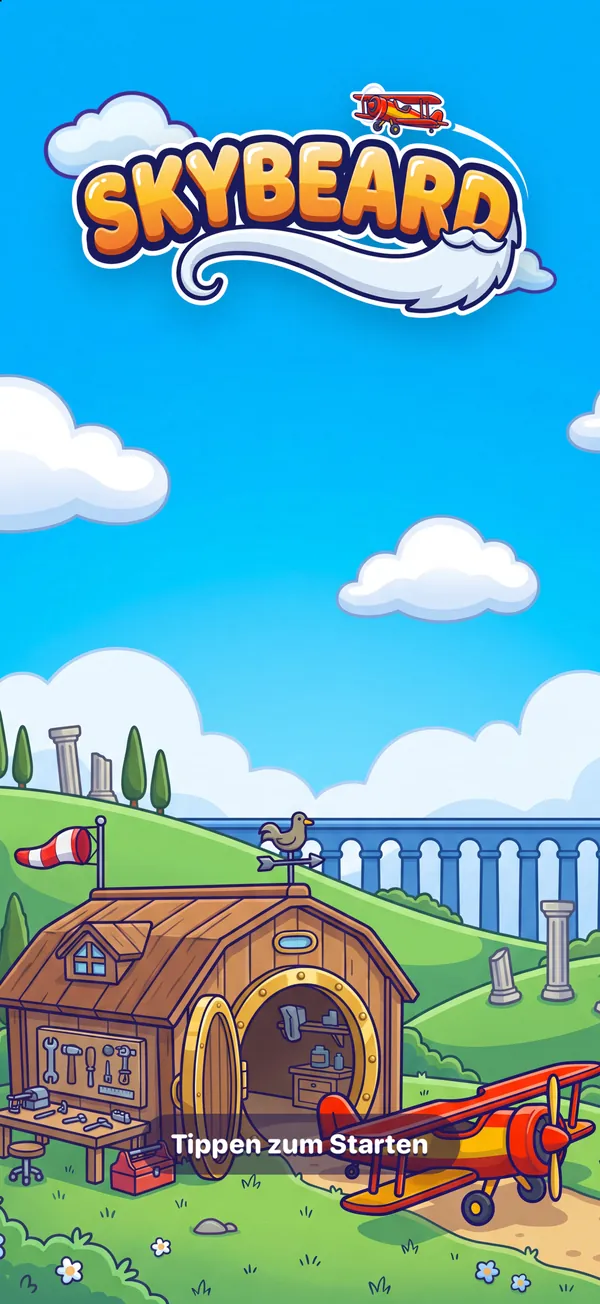
Start 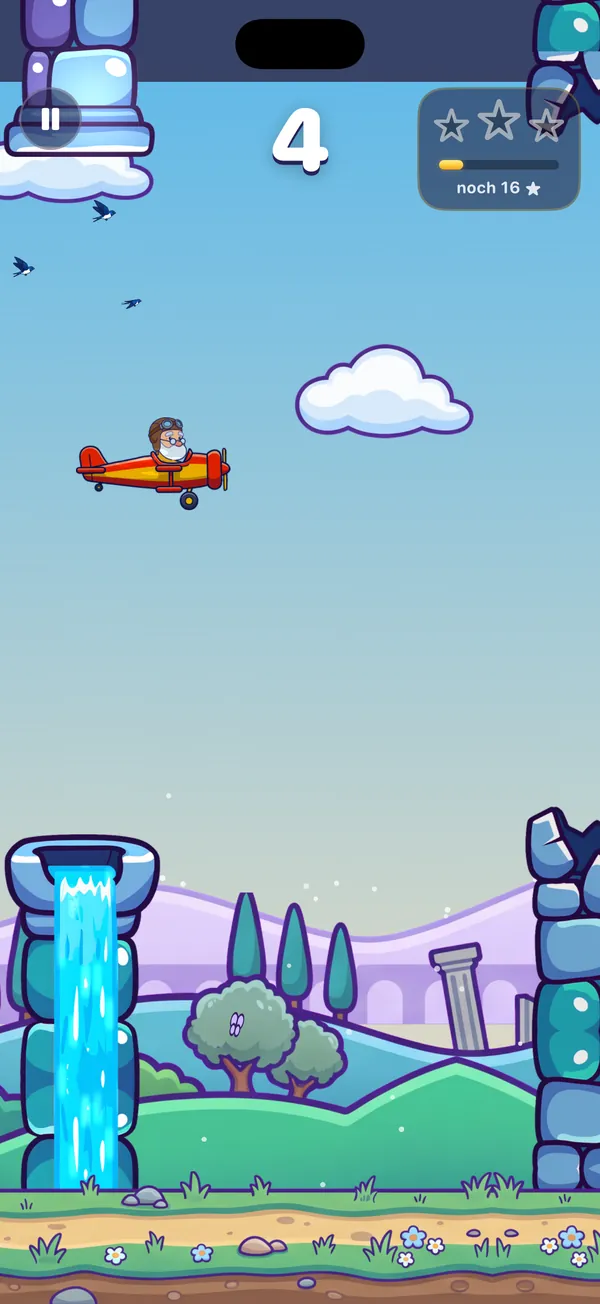
Hill Country 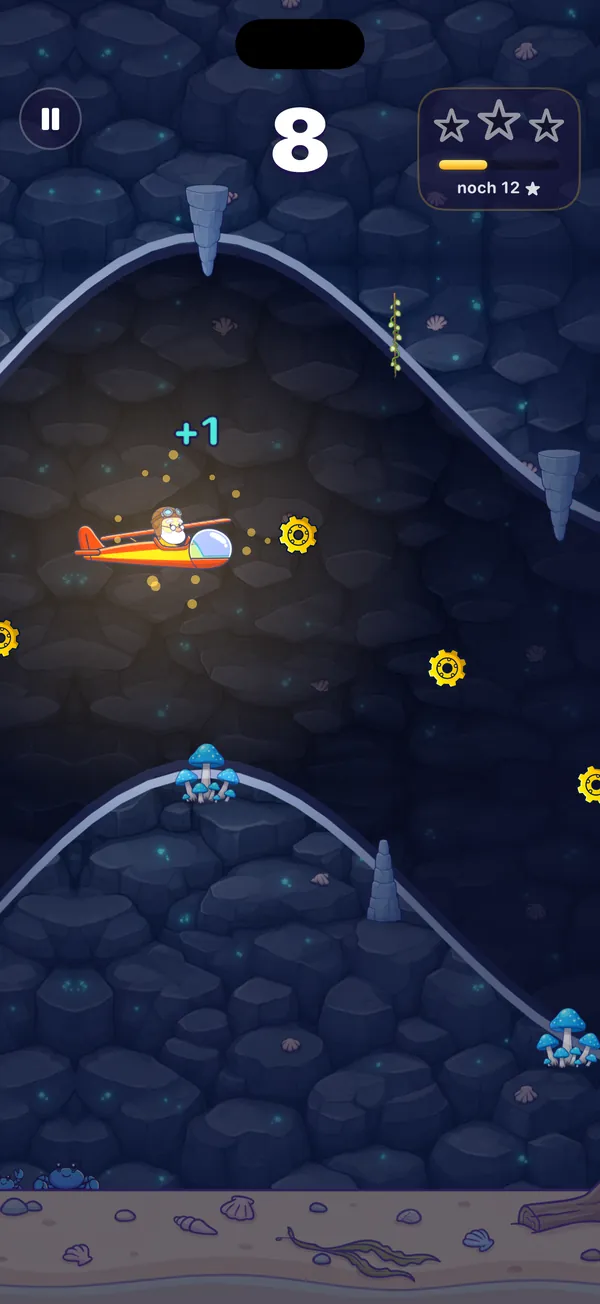
Coast 
Desert 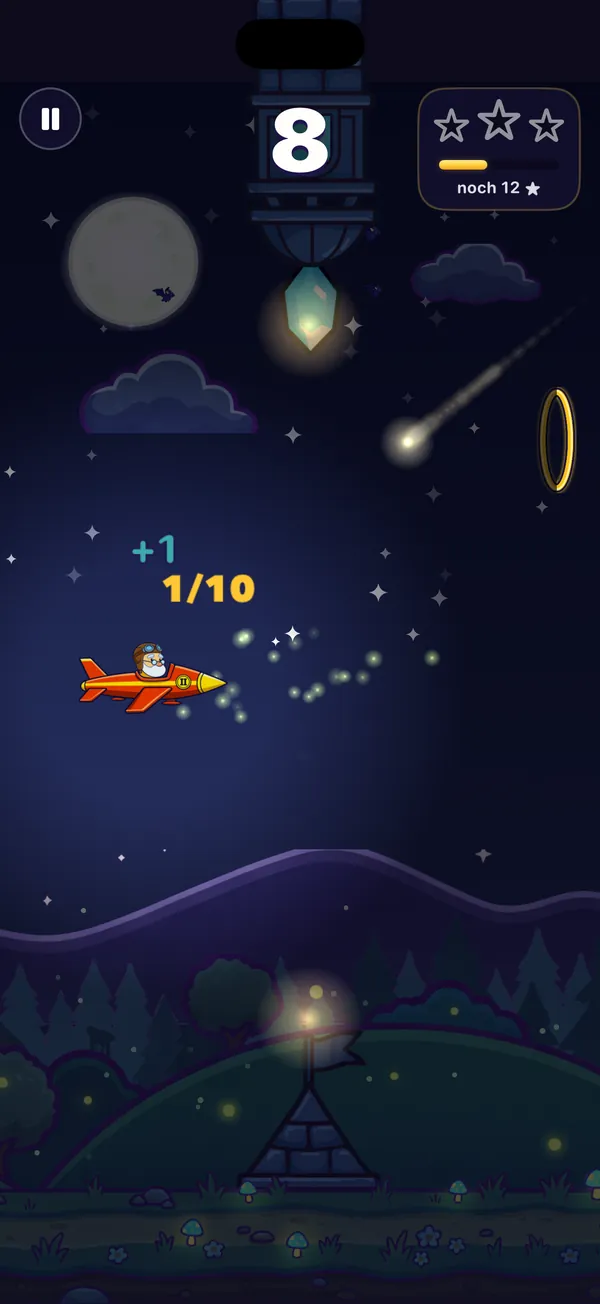
Night Sky 
Thunderstorm 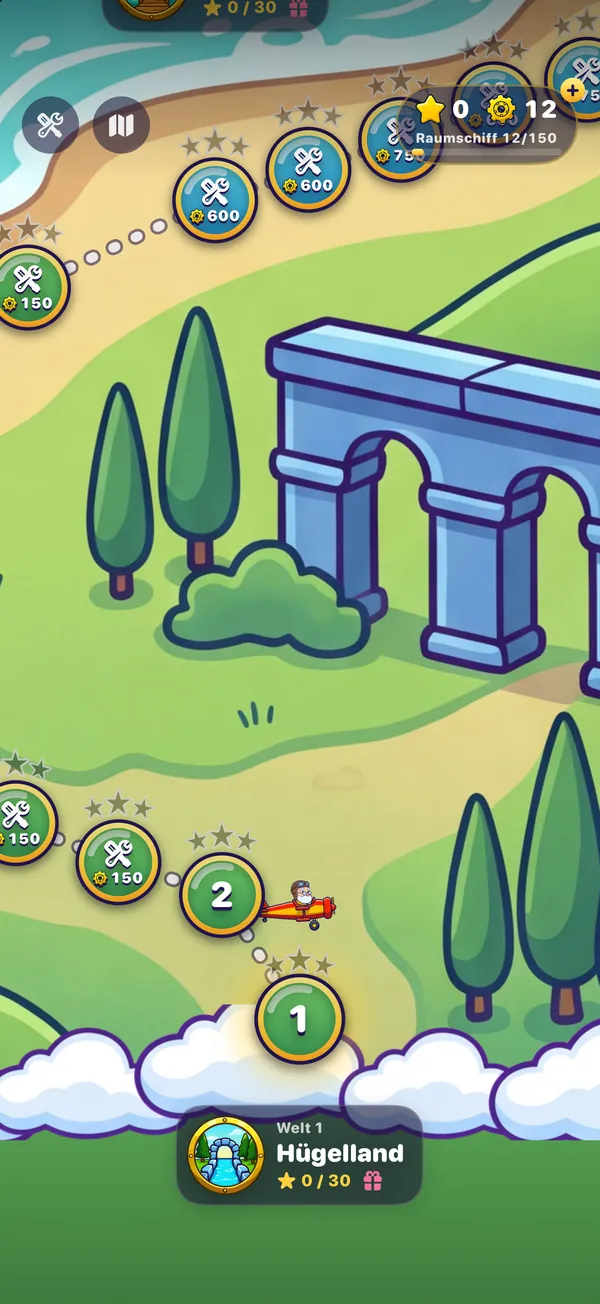
World map 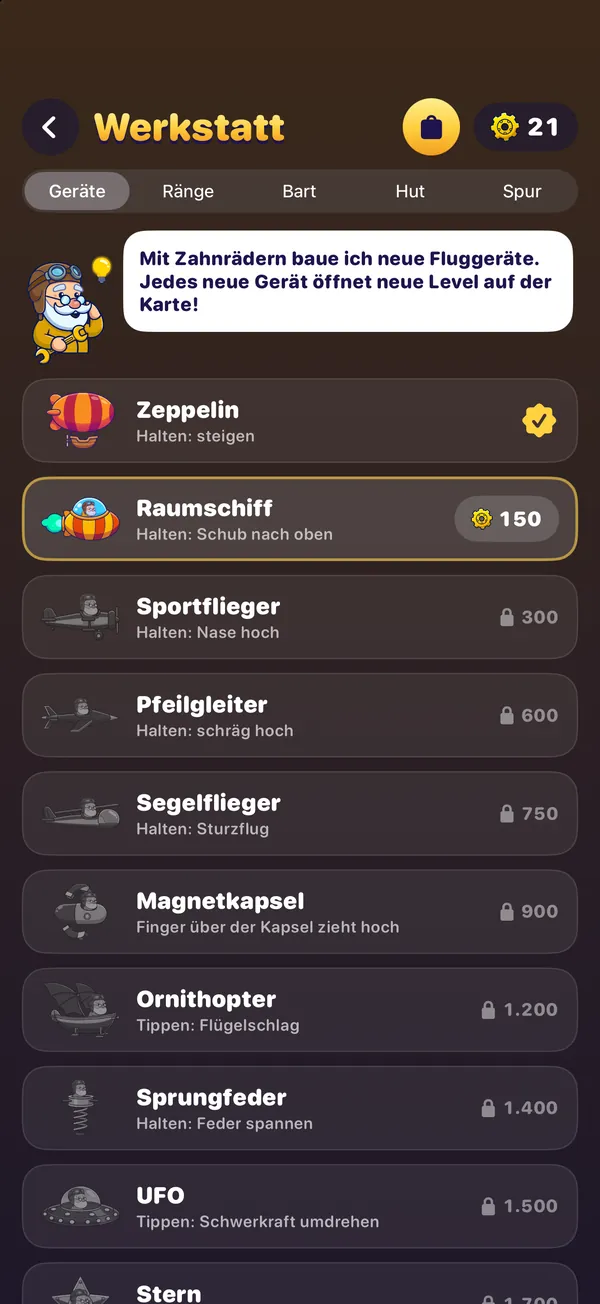
Workshop
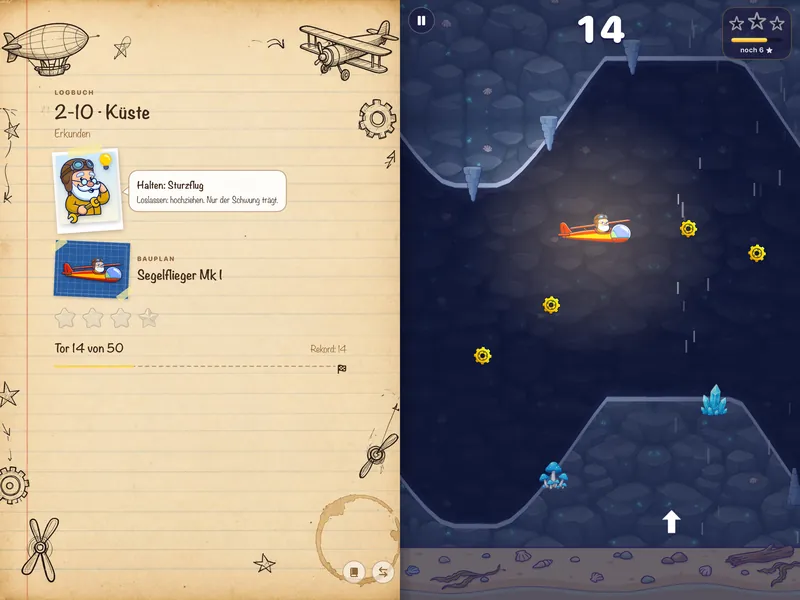
Landscape on iPad and iPhone Duo.
On big screens, Skybeard becomes the inventor’s book.
- The Professor’s notebook on the left, the level on the right.
- Close the notebook and fly across the full width.
- Fully unfolded, iPhone Duo shows the inventor’s book just like the iPad.

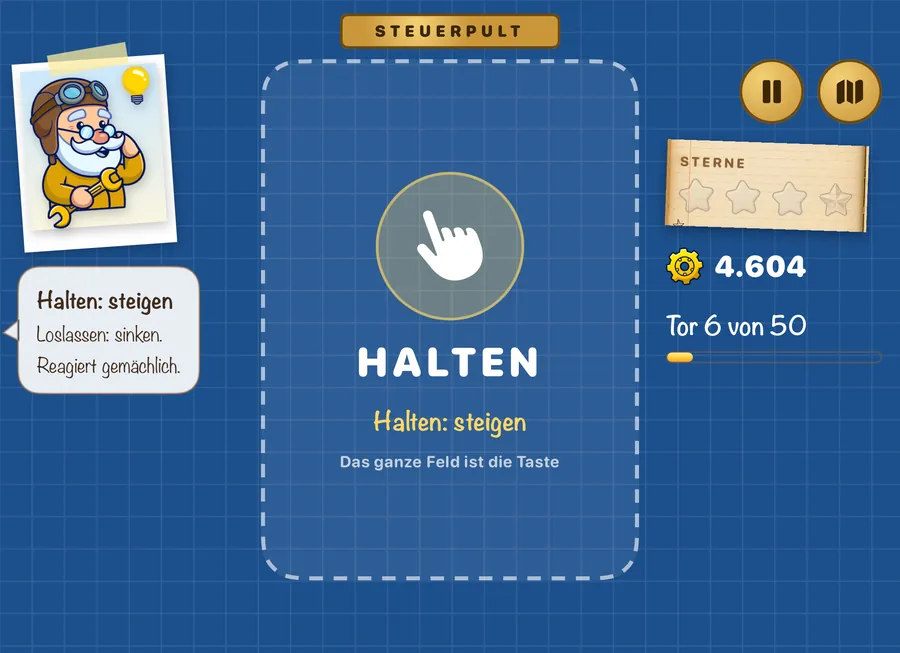
Half-folded: the console.
Fold iPhone Duo halfway and Skybeard becomes a handheld: the game on top, the control desk below. Your finger rests only on the desk – and never covers the machine again.
- The desk shows each machine’s gesture: hold, tap or wind up.
- For the Star and the Magnet Capsule it becomes a height bar: it is the height of the world, and your finger on it is your finger in the game.
- The world map and the logbook spread across both screens too.
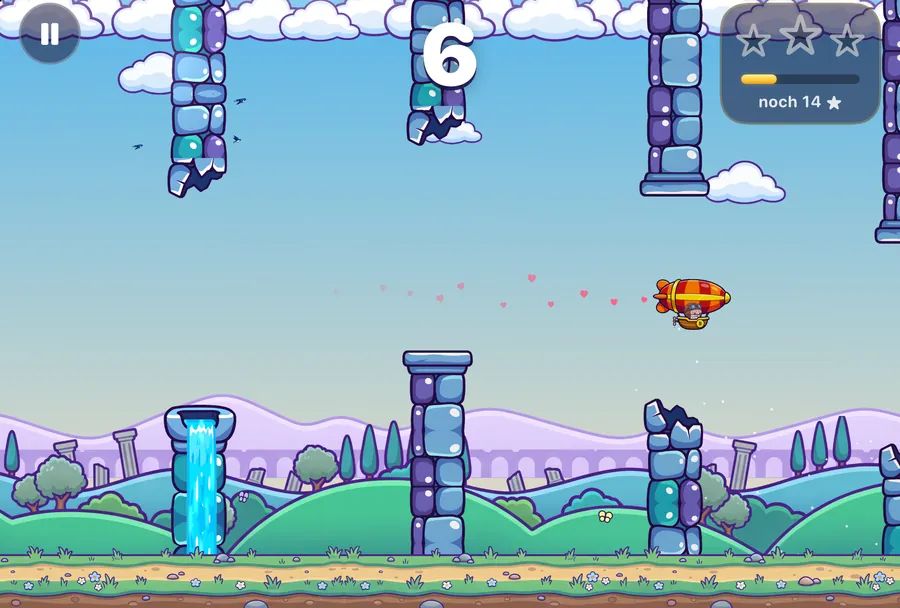
The workshop.
With the gears from every flight you build new machines, paint them in chrome and gold, and give the Professor a beard, hat and flight trail to your taste.

Test Field
Flight school for every machine – three lessons each, at your own pace.
Endless mode
For every world, each with its own record.
Bonus Party
For every world in which you’ve caught all 30 stars.
The Professor’s diary
23 entries – full of beard, courage and small disasters.
Game Center
6 leaderboards and 15 achievements – each with its own medal.














Hard, but fair.
A computer pilot has flown every level with room to spare. So it can always be done – you just have to be able to do it.
After a crash you’re back in the air at once, no waiting. And if you’re truly stuck, you can skip a level after several attempts.
- No sign-up, no account.
- Your progress stays on your device.
- Anonymous game stats only with your consent – without any identifier.
Everything else is in the app’s privacy policy.
Honest pricing.
The whole game is free.
All 11 machines, five worlds, 50 levels, the workshop and the Grande Finale – without a single purchase.
Ads only appear between levels or voluntarily in return for a reward – never during a flight.
Optional: in-game purchasesFor anyone who wants them – for example to play without ads or build faster. None of them is needed.
| No AdsNo ads between levels, rewards without video, all maps | €5.99 |
|---|---|
| Starter Pack2,000 gears + exclusive gear trail, one-time | €1.99 |
| Gear Crate1,000 gears, up to 5× | €1.99 |
| Gold PackGold rank for every machine on map 1 | €4.99 |
One-time purchases, prices in the German App Store; may vary by country.
Help & contact
Something not working? Write to us – ideally with your device and iOS version.
kontakt@realmaker.deFrequently asked questions
I’m stuck on a level.
Every level is proven to be beatable. After several attempts you can skip it – with a short video or a skip token from the workshop. Practise any machine at your own pace on the Test Field.
How do I restore my purchases?
Open the workshop, tap the golden bag and choose “Restore purchases” (same Apple ID as for the purchase).
How do I change my ad consent?
Open the pause menu in the game → “Privacy settings”. Tracking is controlled in iOS Settings under “Privacy & Security → Tracking”.
Does Skybeard collect data about me?
No. Only if you agree on first launch, anonymous game statistics count totals – such as how often a level was completed – without any identifier. They help us find spots that are too hard; you can change this in the pause menu under “Anonymous game stats”. Details in the Privacy Policy.
Is my progress backed up?
Your progress is stored on your device. It is lost if you delete the app; purchases can be restored.
Ready for take-off?
Skybeard is coming soon to the App Store – free, for iPhone and iPad.
Coming soon to the App StoreFor iPhone and iPad